Question 1: How do I add Echonora to my LINE chats?
▾
Adding Echonora to your LINE chats is simple! Just follow these steps:
• Add Echonora as a friend on LINE by searching for “Echonora” or using our LINE ID.
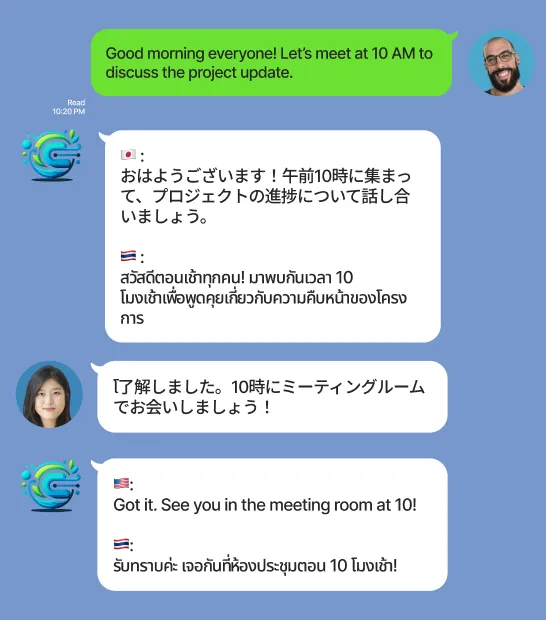
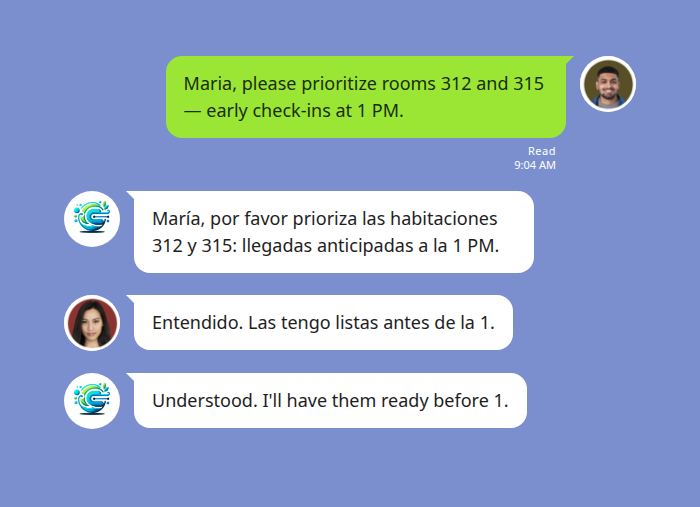
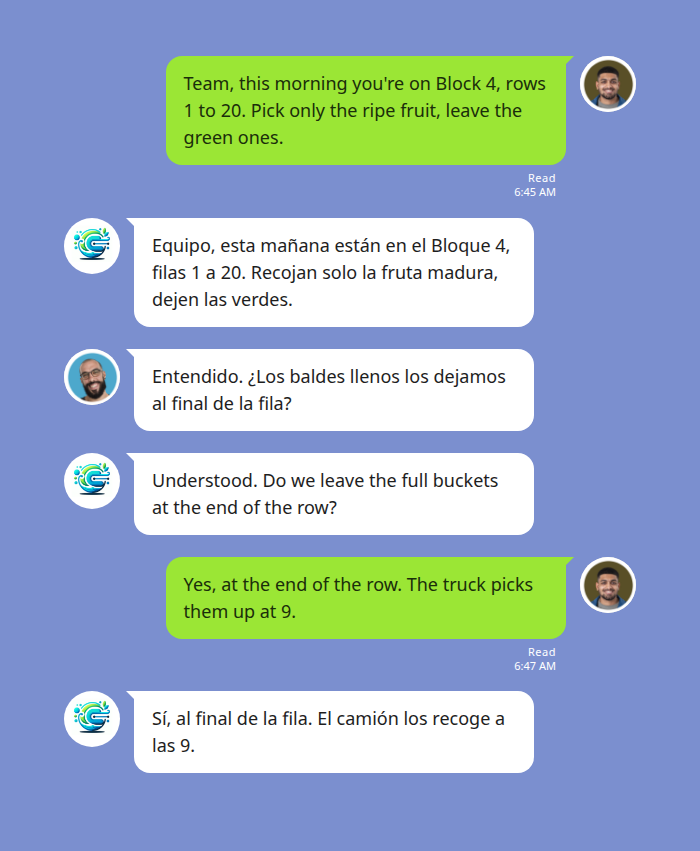
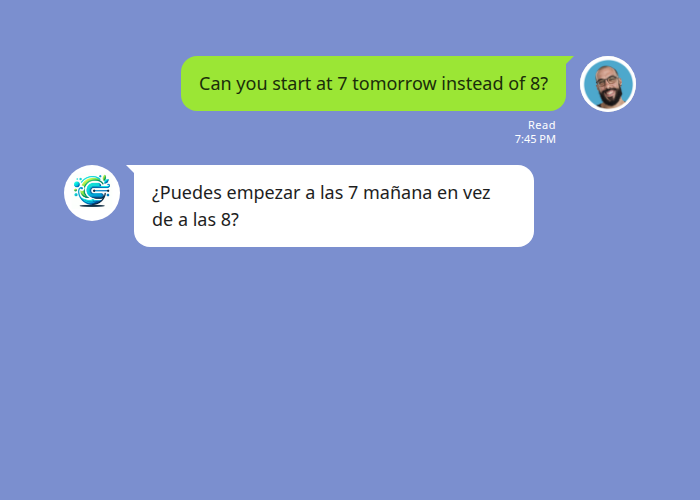
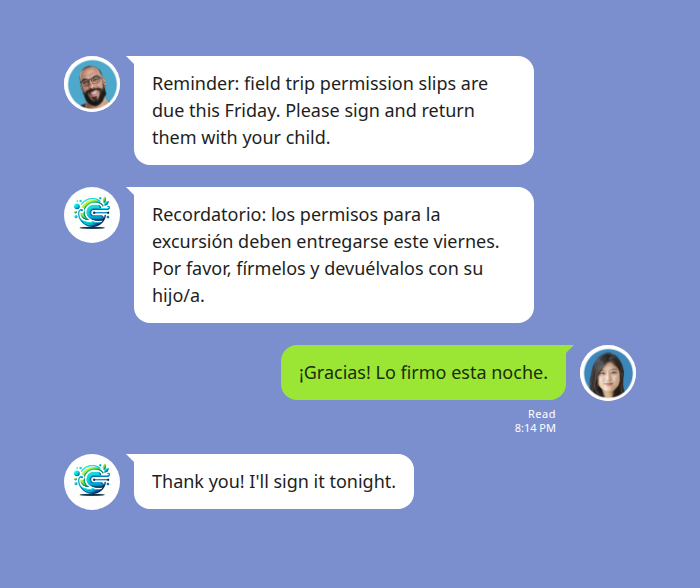
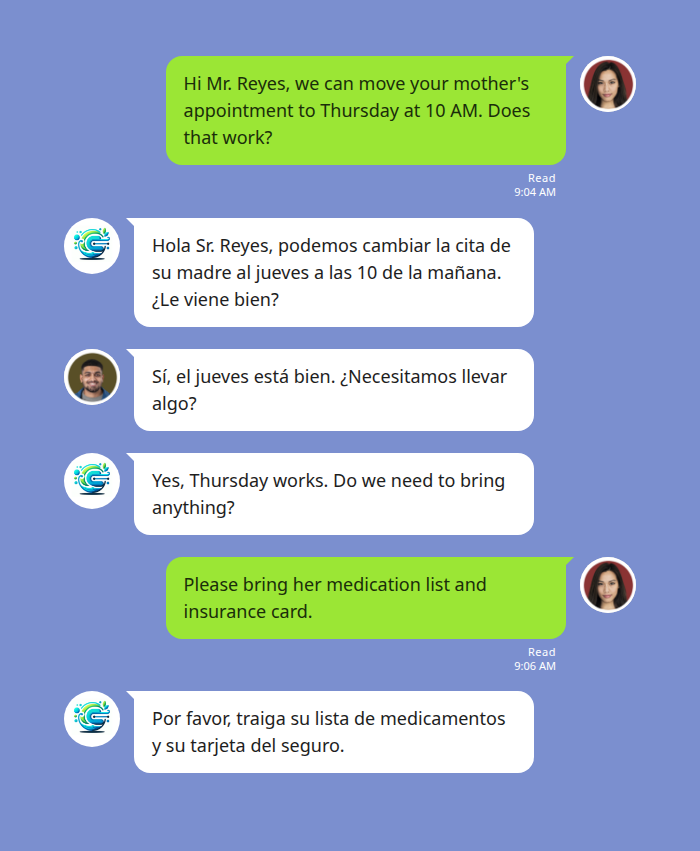
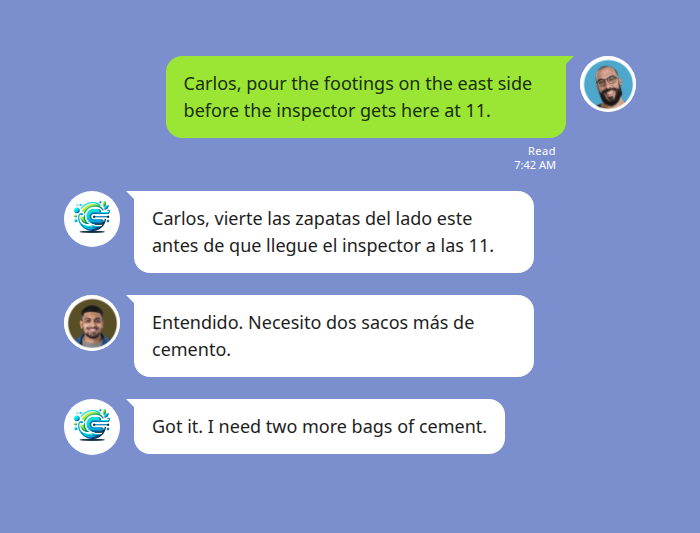
• Invite Echonora to any group chat you want to use it in, and it will automatically start translating messages.
• For personal chats, you can communicate directly with Echonora in your private conversations.
Step by Step: https://echonora.com/post/add-ai-translator-to-line-group-chat
Question 2: What languages does Echonora support?
▾
Echonora currently supports multilingual translation, including Chinese, English, Vietnamese, Thai, Japanese, Spanish, French, and more. We are committed to providing accurate and natural translations, enabling seamless communication across different languages. In the future, we will continue to enhance translation quality and expand support for more languages to meet the needs of global users. Echonora Support Languages List
Question 3: How accurate are the translations?
▾
Echonora leverages advanced AI and natural language processing technology to ensure high accuracy in translations. While no translation system gets every message right, Echonora aims to deliver clear, context-aware translations in real-time, suitable for both casual and professional conversations.
Question 4: What happens after I cancel my subscription?
▾
When you unsubscribe from Echonora’s paid plan, your account will automatically switch to the free plan. In the free plan, you can translate up to 20 messages per day. Please note that after unsubscribing, you will lose the unlimited translations and other advanced features offered in the paid plan. If you wish to regain these features, you can re-subscribe to our monthly or annual plan at any time
Question 5: What are the limitations of the free plan?
▾
Echonora’s free plan allows up to 20 message translations per day, giving you access to features like real-time translation, group chat translation, and voice recognition. If you need more translations or advanced features, we recommend upgrading to our monthly or annual plan to enjoy unlimited translation services.
Question 6: How can I view or cancel my subscription?
▾
To view or cancel your subscription, please visit the following link to manage your subscription: 👉 https://echonora.com/subscription After logging in, you can view or cancel your current subscription.
Question 7: Can Echonora support more than two languages in a group chat?
▾
Yes! Echonora Line translator supports up to five languages in a single group chat
You can set multiple languages — for example, English, Chinese, and Japanese — and Echonora will automatically translate messages between all selected languages.